Five screens.
No clutter.
Sign in once, pick a photo, wait out a progress bar that actually tells you what it is doing, then share. That is the whole app.
01OPENING IT
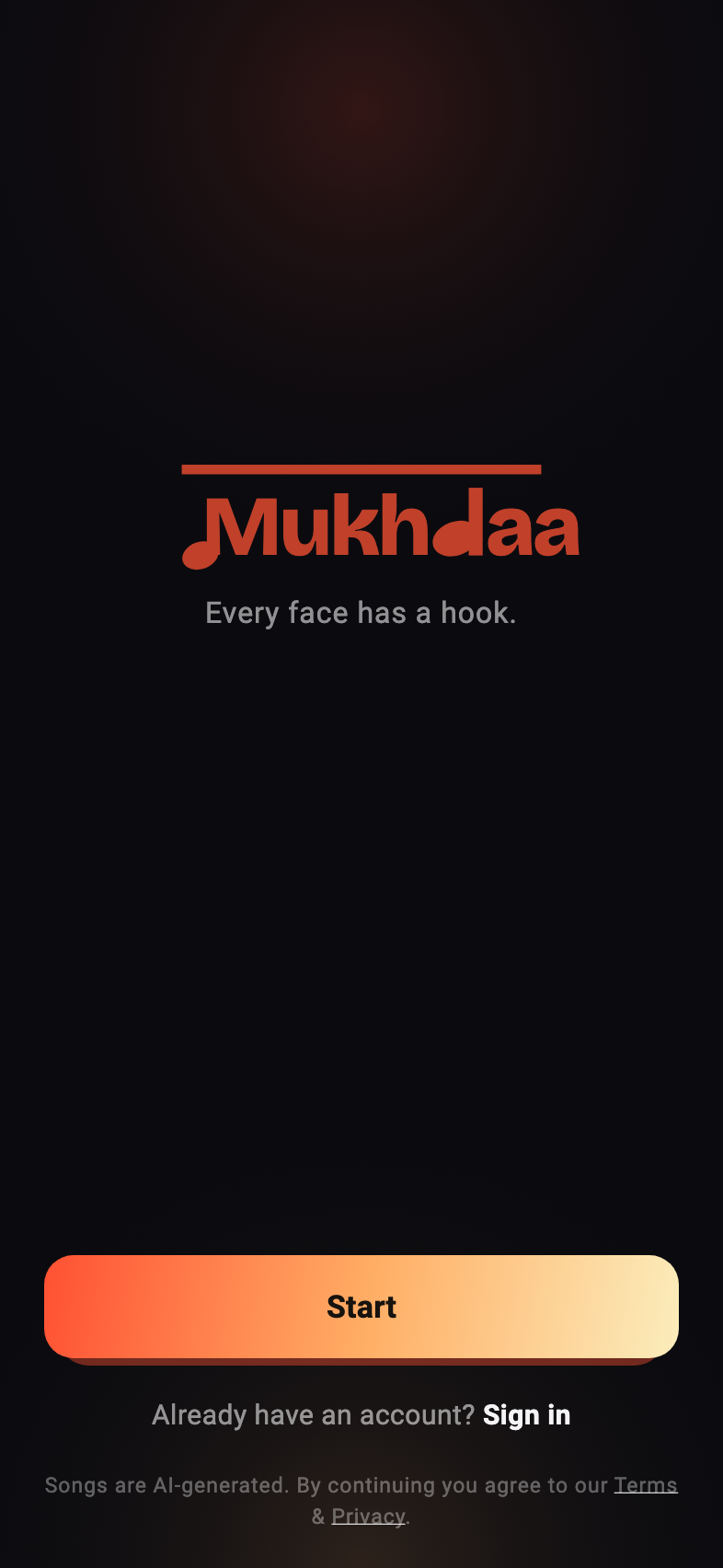
One tap to sign in
Google, Apple or your phone number — no password to invent and nothing to fill in twice. Your songs follow you to any phone you sign in on.
- One tap: Google, Apple or your phone number
- Verify your email and your phone to earn two free songs
- The AI disclosure and terms are stated up front
02THE ONLY INPUT
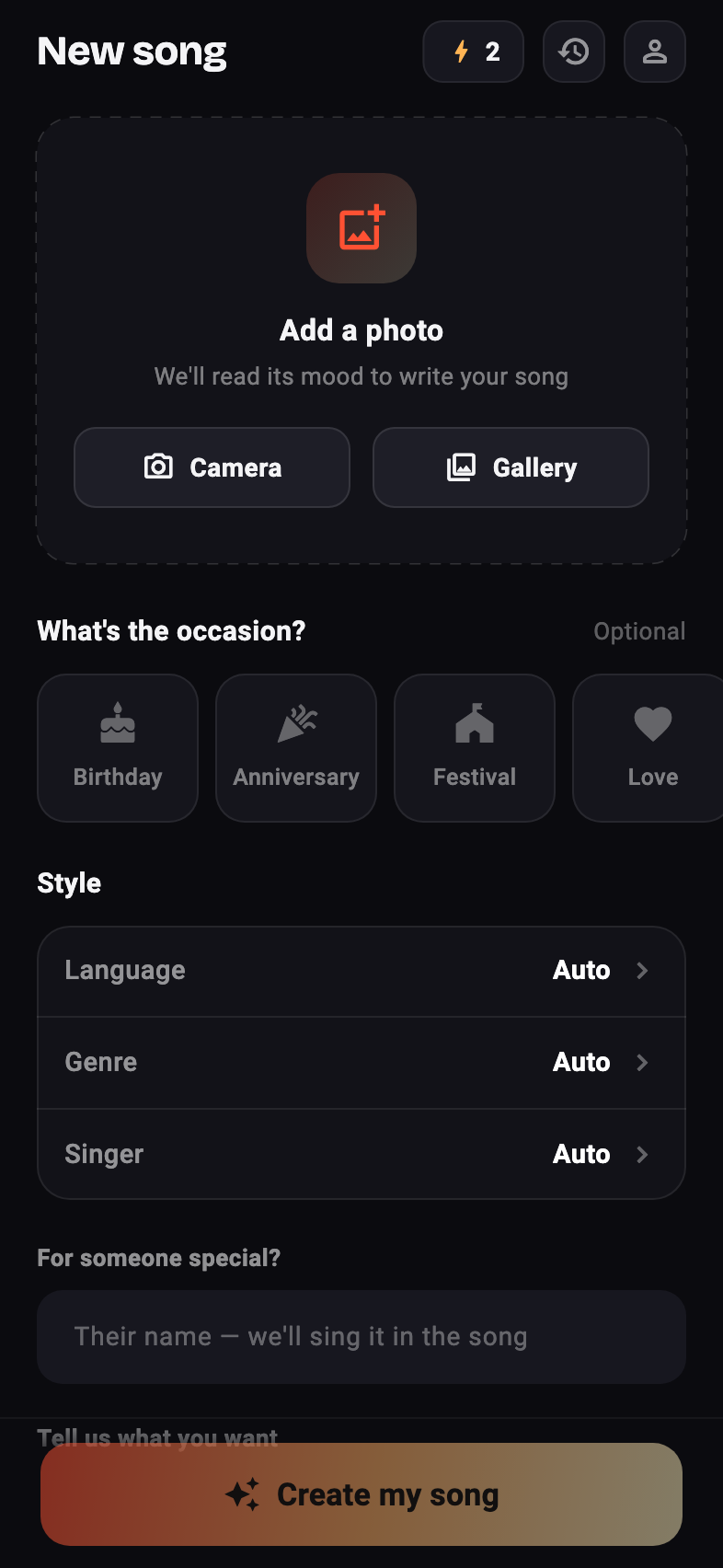
Pick one photo
Camera or gallery. That is the whole required input — everything below it is optional, and most people never open it.
- Camera or gallery, one photo at a time
- Optional: language, genre, singer, occasion
- A credit chip shows what you have left before you commit
03THE WAIT
About a minute,
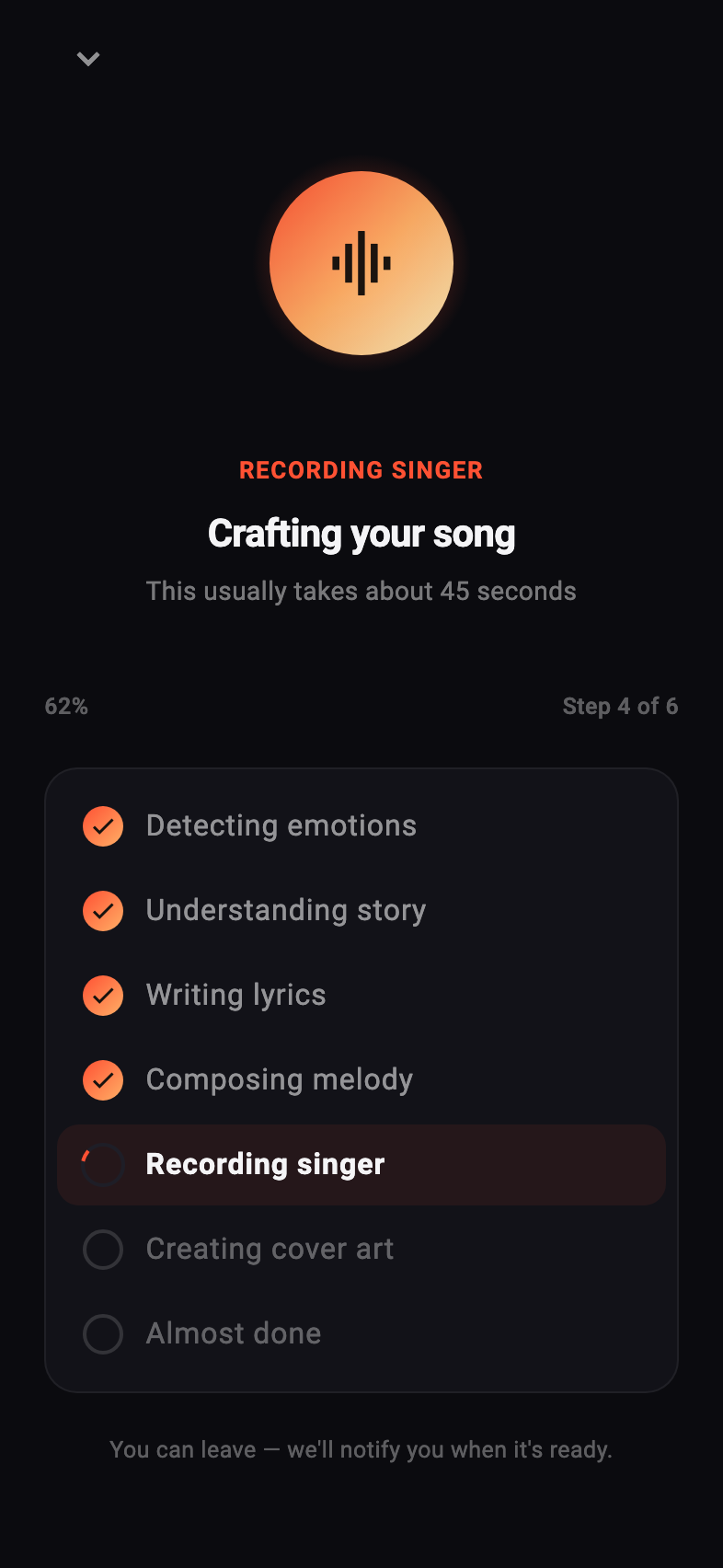
narrated
Most apps show a spinner and hope. This names every stage as it happens — reading the photo, writing lyrics, composing, recording the vocal, making cover art — so the wait feels like progress rather than a hang.
- Six named steps, ticked off as they complete
- Close the app and carry on — your song is waiting in your library
- If it fails, the credit is refunded automatically
04THE RESULT
Your photo,
with its song
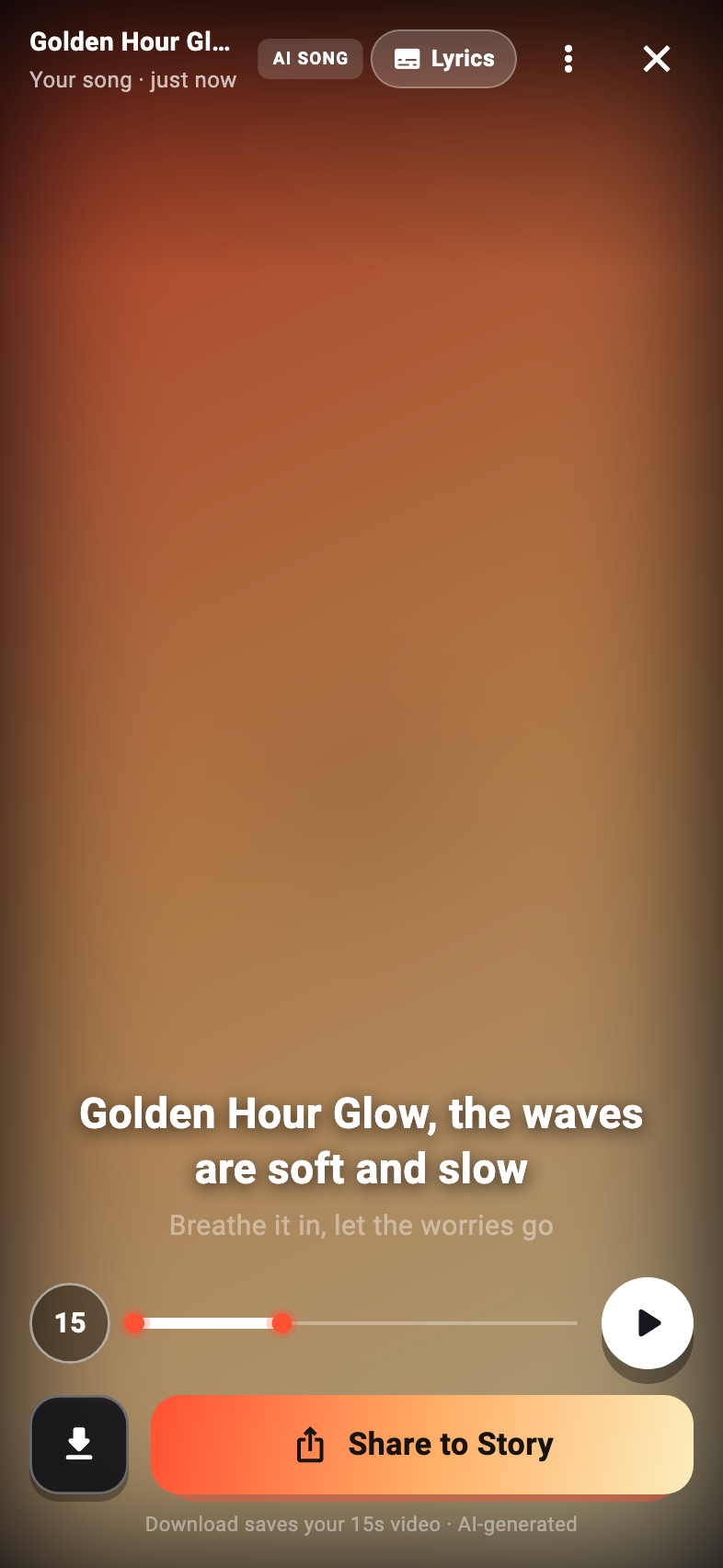
The finished song plays over the photo it came from, full-bleed, with the lyric line that matches the moment. Built to be posted, not filed away in a library.
- Lyrics on screen, timed to the section playing
- A vertical share video is rendered for Stories and Reels
- Private until you tap share — and unshareable again after
05IF YOU WANT MORE
More songs, when you need them
Two songs are free. After that, buy a pack of credits once and spend them whenever, or subscribe for six songs a month and the fast queue.
- Premium: six songs every month, plus the priority queue
- Credit packs are one-off, and credits never expire
- A song that fails is always refunded